AI Tools Every Software Engineer Is Using Right Now
5/19/2026, 4:02:08 AM
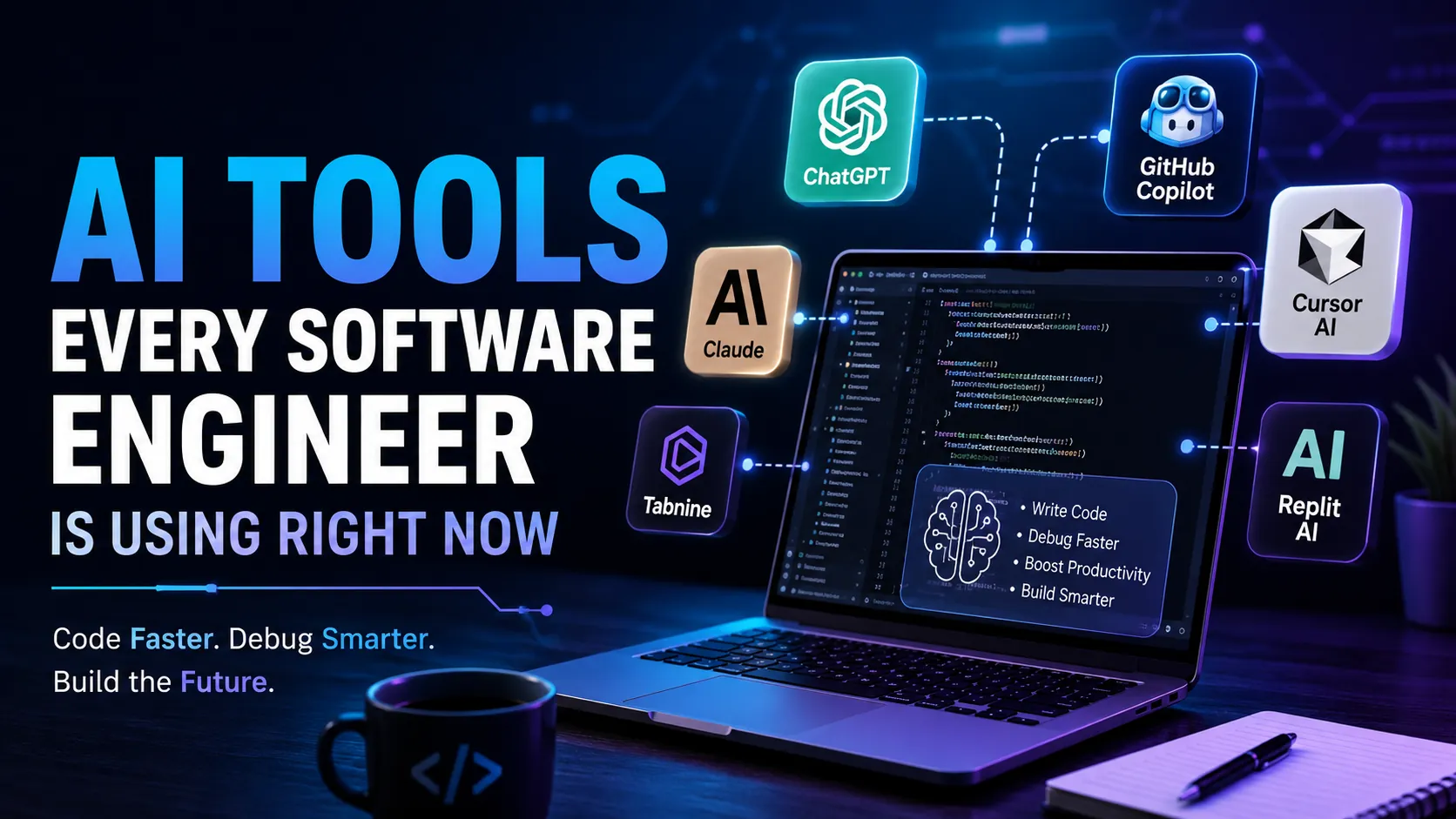
Software development is changing faster than ever. A few years ago, developers spent hours writing boilerplate code, fixing repetitive bugs, searching documentation, and manually testing applications. Today, AI tools are transforming the way software engineers work. From generating code to explaining complex errors, AI has become part of the daily workflow for many developers around the world.
This does not mean software engineers are becoming less important. In reality, developers who know how to use AI tools effectively are becoming more productive and valuable. Companies now expect engineers to work faster, automate repetitive tasks, and solve problems efficiently. AI tools help developers focus more on logic, architecture, creativity, and problem solving instead of wasting time on repetitive coding work.
Whether someone is a fresher learning programming or an experienced developer working on large applications, AI tools are now becoming a normal part of software development.
In this blog, we will explore the most popular AI tools software engineers are using right now and how these tools are changing the tech industry.
Why AI Tools Are Becoming Essential for Developers
Modern software development is more complex than before. Applications now involve APIs, cloud infrastructure, databases, frontend frameworks, authentication systems, deployment pipelines, and security layers. Managing all of this manually takes time.
AI tools help developers by:
- Writing repetitive code faster
- Explaining errors in simple language
- Improving code quality
- Detecting bugs early
- Generating documentation
- Assisting with testing
- Speeding up debugging
- Helping developers learn new technologies faster
Many companies are also encouraging engineers to use AI tools because faster development often means reduced project costs and improved productivity.
ChatGPT
OpenAI created ChatGPT, and it has become one of the most commonly used AI tools among software engineers.
Developers use ChatGPT for:
- Understanding coding concepts
- Fixing bugs
- Generating functions
- Learning frameworks
- Creating API examples
- Writing SQL queries
- Explaining error messages
- Improving code logic
One of the biggest reasons developers like ChatGPT is because it explains technical concepts in simple language. Instead of spending hours searching forums, developers can ask direct questions and receive detailed answers quickly.
Many freshers also use ChatGPT while learning programming because it helps them understand difficult topics step by step.
However, experienced developers know that AI-generated code still needs manual review. Good engineers use AI as an assistant, not as a complete replacement for technical thinking.
GitHub Copilot
GitHub Copilot is one of the most widely used coding assistants in the software industry.
Copilot works directly inside code editors and suggests code while developers type. It can:
- Auto complete functions
- Suggest entire code blocks
- Generate repetitive code
- Help with documentation
- Create test cases
- Improve productivity
Many developers say Copilot helps reduce repetitive typing and speeds up development work significantly.
Frontend developers, backend engineers, and even DevOps engineers use Copilot regularly. It supports multiple programming languages including JavaScript, Python, Java, Go, C++, and TypeScript.
For companies working on large projects, productivity improvements from tools like Copilot can save hundreds of development hours.
Cursor AI
Cursor has become extremely popular among modern developers. Many programmers now prefer Cursor because it combines AI directly inside the coding environment.
Cursor allows developers to:
- Edit code using natural language
- Refactor entire files quickly
- Understand project structure
- Generate features faster
- Ask questions directly inside the editor
One reason Cursor became popular so quickly is because it feels more integrated compared to traditional coding assistants.
Developers can simply type instructions like:
“Optimize this function”
“Fix TypeScript errors”
“Convert this component into reusable code”
The AI then updates the code automatically.
Many startup developers and solo founders are heavily using Cursor because it helps them build products faster with smaller teams.
Claude AI
Anthropic developed Claude AI, which is becoming popular among developers for handling large codebases and detailed explanations.
Claude is especially useful for:
- Reading long code files
- Explaining architecture
- Reviewing large projects
- Understanding documentation
- Refactoring complex code
Some developers prefer Claude for technical explanations because it often provides structured and detailed responses.
When engineers work on enterprise-level applications with thousands of lines of code, tools capable of handling larger context become extremely useful.
Replit AI
Replit is helping developers code directly from the browser with AI assistance.
Replit AI is popular among:
- Students
- Beginners
- Indie hackers
- Startup founders
- Quick prototype builders
It allows users to quickly build applications without setting up complex local environments.
For beginners, this reduces technical setup problems and allows them to focus more on learning development itself.
Tabnine
Tabnine is another AI coding assistant used by software developers for intelligent code completion.
It helps with:
- Faster coding
- Pattern recognition
- Predictive suggestions
- Team productivity
Some companies prefer Tabnine because it offers privacy-focused options for enterprise development environments.
AI Tools for Debugging and Testing
Coding is only one part of software engineering. Testing and debugging also consume a large amount of developer time.
AI-powered debugging tools are helping engineers identify issues faster.
These tools assist developers by:
- Detecting vulnerabilities
- Finding logic errors
- Suggesting fixes
- Improving performance
- Creating automated test cases
This is especially important for large applications where manually finding bugs can become difficult.
AI testing tools are also improving software quality because they help developers catch problems earlier during development.
AI Tools for Documentation
Documentation is one of the most ignored parts of software development because many developers dislike writing it manually.
AI tools now help generate:
- API documentation
- Function explanations
- README files
- Technical summaries
- Setup instructions
Good documentation improves collaboration inside teams and helps new developers understand projects faster.
This is becoming increasingly important in remote development environments where teams work from different locations.
How AI Is Changing Software Engineering Jobs
Many people worry that AI will replace software engineers completely. The reality is more complicated.
AI is automating repetitive tasks, but software development still requires:
- Problem solving
- System design
- Architecture decisions
- Business understanding
- Security planning
- Human creativity
- Communication skills
Developers who adapt to AI tools are likely to stay more competitive in the industry.
Companies are now valuing engineers who can combine technical skills with AI productivity tools.
Instead of replacing developers entirely, AI is changing how developers work.
Skills Developers Still Need Despite AI
Even with advanced AI tools, software engineers still need strong fundamentals.
Important skills include:
- Data structures and algorithms
- System design
- Database management
- API development
- Cloud computing
- Cybersecurity awareness
- Communication skills
- Problem solving mindset
AI tools can generate code, but understanding why the code works is still extremely important.
Developers who blindly copy AI-generated code without understanding it often face serious debugging and scalability problems later.
Should Freshers Start Using AI Tools?
Yes, but carefully.
Freshers should use AI tools for learning and productivity, not for blindly copying answers.
A smart approach is:
- First understand the problem
- Try solving it manually
- Then compare with AI suggestions
- Learn why the AI solution works
This method helps improve both coding skills and understanding.
Students who depend entirely on AI without learning fundamentals may struggle during interviews and real-world projects.
Final Thoughts
AI tools are now becoming part of modern software development workflows. From writing code to debugging applications, developers are using AI to work faster and smarter.
Tools like ChatGPT, GitHub Copilot, Cursor AI, Claude, Replit AI, and Tabnine are helping engineers improve productivity and reduce repetitive work.
However, AI is still a tool, not a replacement for strong technical thinking.
The software engineers who will grow the most in the future are those who combine programming knowledge, problem-solving ability, and smart AI usage together.
Technology will continue evolving, and developers who adapt early will likely have better opportunities in the future job market.